
API integration, GraphQL and MCP
Your website or internal tool needs to exchange data with other software, offer single sign-on (SSO) to your users or respond to an AI assistant. We first write down what flows between systems, then we build it.
When a plugin is no longer enough
The problem
A form needs to create a record in the CRM. A client’s employees need to sign in with their company account. An assistant needs to read the site’s content, or trigger an action, without being given admin access.
Our approach
A custom API integration starts with the list of exchanges: who calls whom, what data goes through, when, and what happens when the other system doesn’t respond. Each exchange is developed, tested and monitored, with automatic retries when it fails. You know at all times what flows between your tools.
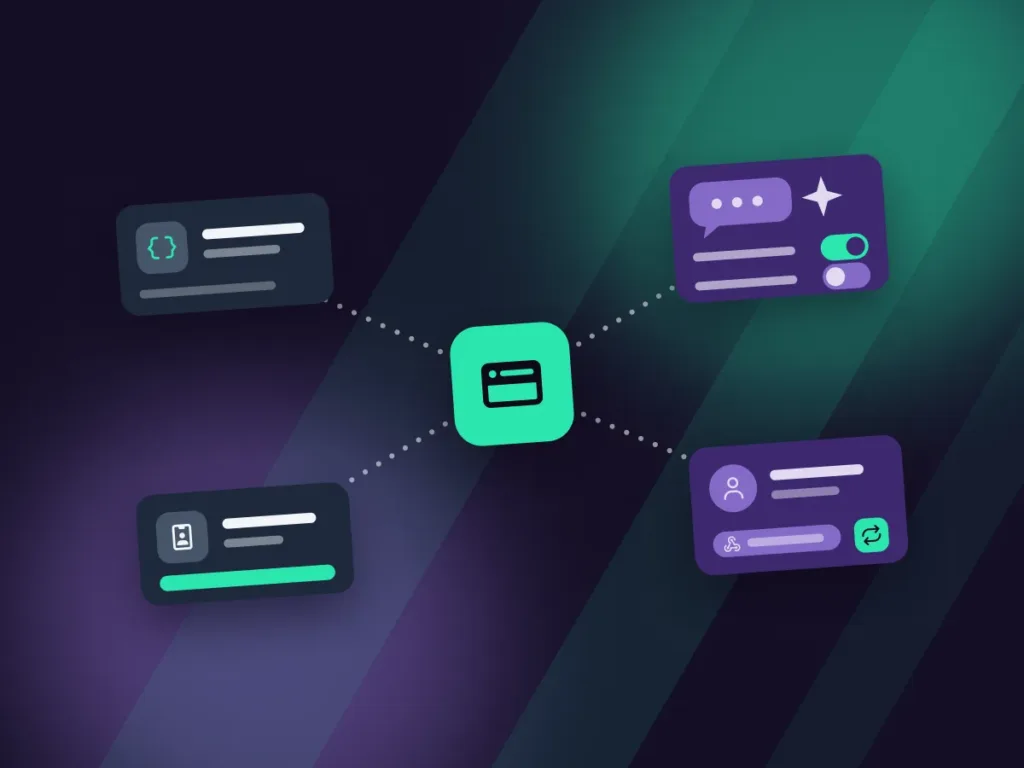
Four ways to connect your systems
Every project stays within a written scope. If you need a complete piece of software, that is a web application project.
REST and GraphQL APIs
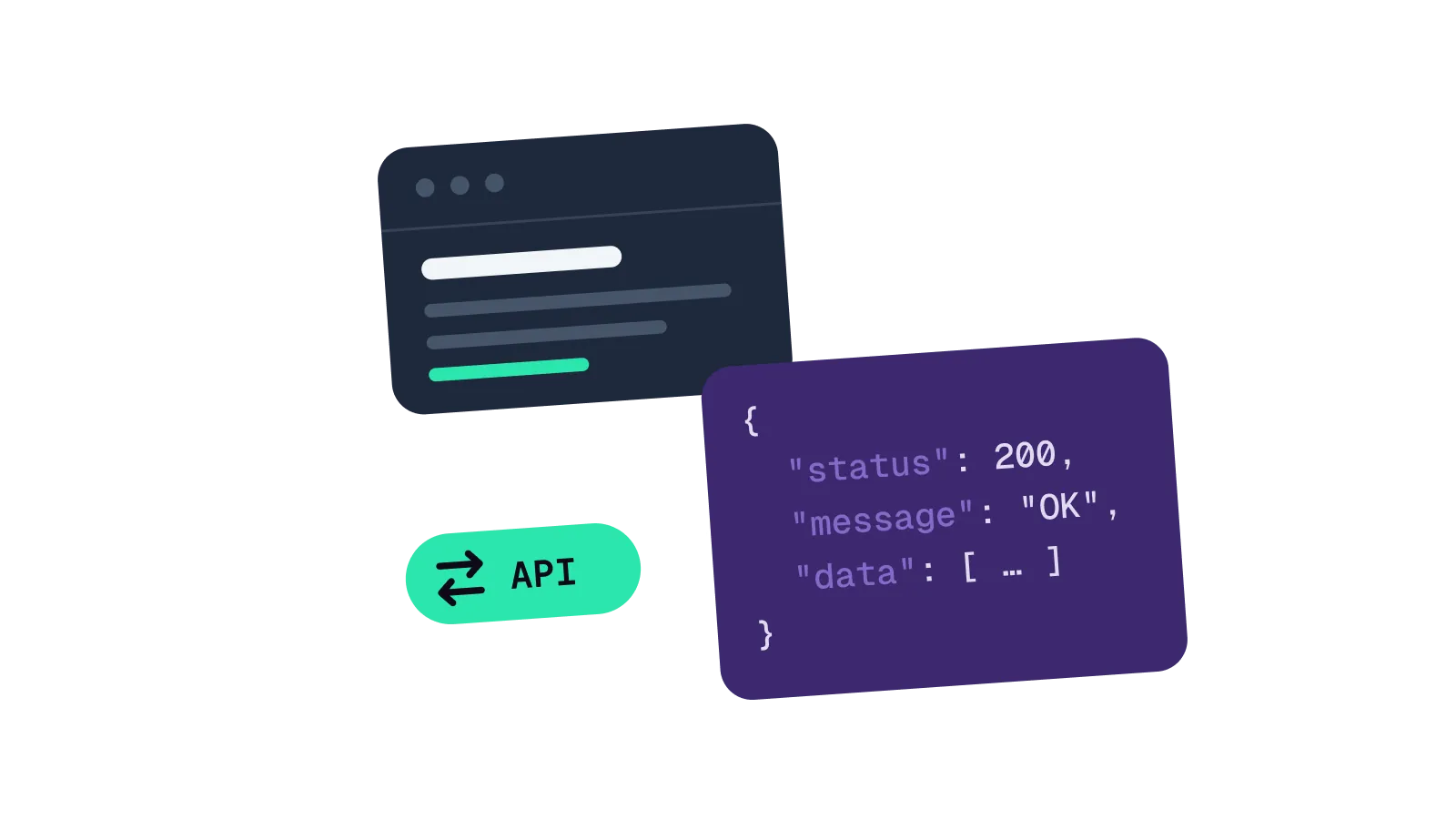
A REST API exposes resources (pages, records, orders). GraphQL lets the other system request exactly the fields it needs. We can also write directly into the other system, through its API, to create or update its data. The choice depends on the technologies the other system already supports.
MCP servers
An MCP (Model Context Protocol) server gives an AI assistant, such as Claude or ChatGPT, limited tools: read a record, search content, create a draft. You choose the permissions it gets, action by action: it cannot do anything more, which avoids unpleasant surprises.
Single sign-on (SSO)
Your users sign in once, with their company account (Microsoft, Google or another identity provider), using SAML or OAuth, including with several providers on the same platform.
Webhooks and CRM
An event on your site (form, order, sign-up) goes to the CRM or business tool, with a retry if the call fails.
What is included
Written specification
Every exchange, every field and every error case is described before development: who sends what, when, in which format, and what happens if the other system doesn’t respond.
Secrets kept out of the code
Keys and tokens are kept out of the code, in a protected configuration, with access limited to what is strictly needed. For security: a code leak gives access to nothing, and each system only sees what it needs to see.
Documentation
Exchanges, features and operations documented (configuration, deployment, monitoring), for your team or another developer.
Independence
Code, repository, accounts and access keys are in your name. Another developer can take over the integration at any time, with the documentation to back it up.
An integration in production
Vigelia
SAML single sign-on with several identity providers on the Vigelia Academy (LearnDash).
- WordPress
- LearnDash
- SAML
Excellent digital services. Efficient, professional, responsive and proactive. I really appreciated the explanations of the solutions proposed and put in place, and the ability to explain technical matters in plain terms. Very honest on pricing. I highly recommend.

How an integration project works
An analysis of your project comes before the quote: systems, data exchanged, access and error cases are described in it. You know what will flow between your tools before development begins.
-
Scoping
Systems to connect, data exchanged, access and security constraints: we describe what the integration will do.
-
Specification
Every exchange, every field and every error case, approved with you, and with the vendor of the other system if needed.
-
Development and testing
Development on a staging environment, automated tests and trials with test accounts on each system.
-
Going live
Deployment, monitoring of exchanges and failures, documentation handed over and handoff to your team.
Questions about integrations
MCP stands for Model Context Protocol: an open standard that lets an AI assistant, such as Claude or ChatGPT, use your tools. The MCP server offers it specific actions: read, search, create a draft. You decide the list and the permissions, and the assistant never gets the site’s password.
REST if the other system already has endpoints in place, or if the exchanges are simple. GraphQL if the screens need different combinations of fields. We settle it in the specification, not afterwards.
Yes, after reading the code and the access setup. If the technology is outside our scope, we say so in the first exchange.
The price depends on the number of exchanges, the systems involved and the error cases to plan for. The written specification is the basis for a fixed-price quote.
An integration connects systems that already exist. A web application is a separate piece of software: SaaS, business tool, dashboard.