

Is your page optimized for Google?
Paste an address. We read the page the way a search engine does: access, indexing, tags and sharing. One page at a time, not your position in Google.
About ten seconds, one page at a time. The page is read as a search engine reads it. The result is kept for 90 days behind its own link. Nothing is tied to your name.
Results are kept for 90 days.
Result
- 0 Failed
- 0 To watch
- 0 Passed
Access
Indexing
Content
Social sharing
Fill out the form to request the audit
“*” indicates required fields
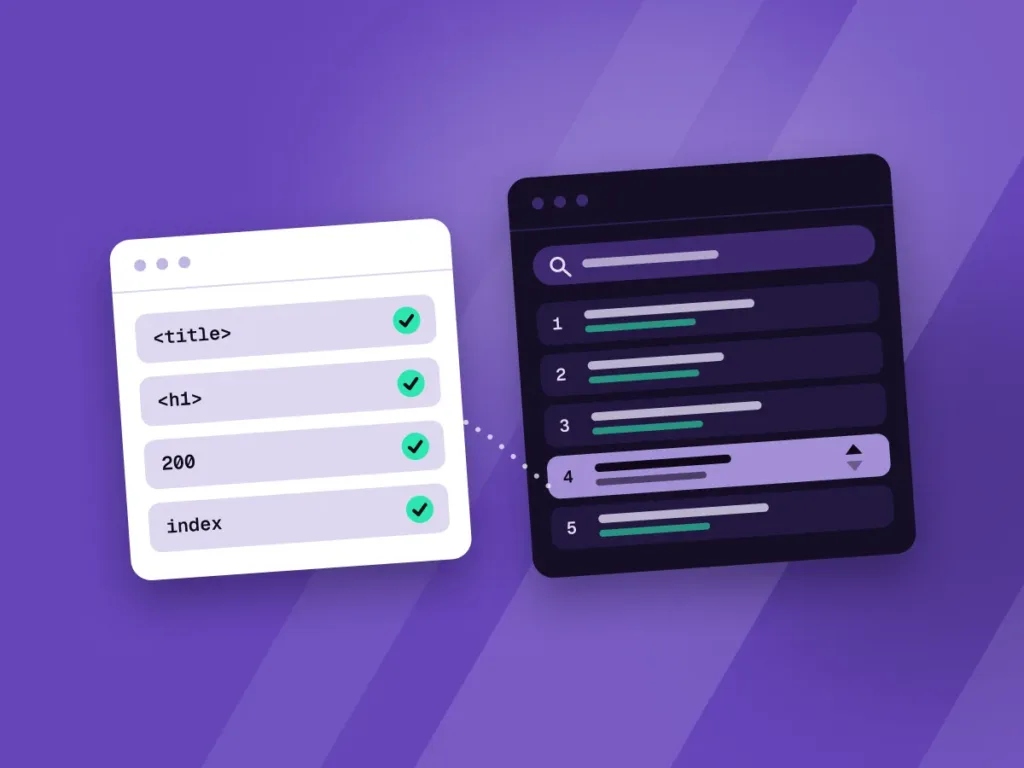
A well-tagged page is not a well-ranked page
The checker makes sure Google can access the page, index it and understand it. Those are the basic conditions, not a guaranteed position: ranking also depends on the content, the links and the competition.
Only one page is analyzed. The same problems often repeat elsewhere, because they come from the theme or a plugin. A website audit looks for them across every page.
Questions about the SEO checker
No. It analyzes the page you enter, along with the domain’s robots.txt file and sitemap. Test your important pages one by one, or request a website audit.
No. It shows that the technical basics are in place. Ranking also depends on the content, the links and the competition.
The tool reads the HTML sent by the server, like a search engine. A site built entirely in JavaScript can show its tags in the browser without sending them on the first load.
It is used to load the page. The result is kept for 90 days under its own link, so you can share it, then it is deleted. The address is not tied to a name or an email, unless you send the form.
Not for ranking: Google tolerates several H1s and does not penalize a page for it. The problem is the structure. Headings form the outline of the page: one H1 for the topic, H2s for the main sections, H3s for their subsections. With several H1s, the outline no longer has a top, and the main topic becomes blurry.
This is what we call semantic structure: each tag says what the content is, not what it looks like. Google uses it to understand what each part is about. People who use a screen reader often move from heading to heading, and accessibility rules (WCAG, success criterion 1.3.1) require the visible structure to also be present in the code.
Several H1s often come from a theme that puts the logo in an H1 on every page, or from a page builder where the heading level is used to pick a text size. The fix is simple: a single H1 per page, and the size set in the styles.